The coding agent that's yours to change.
Its behavior is a program you edit while it runs. After each turn it lists what changed, what ran, and how to undo it.
Made by one person, who uses it every day to build Shift itself. The benchmark results are committed in the repository.
Every turn leaves a receipt.
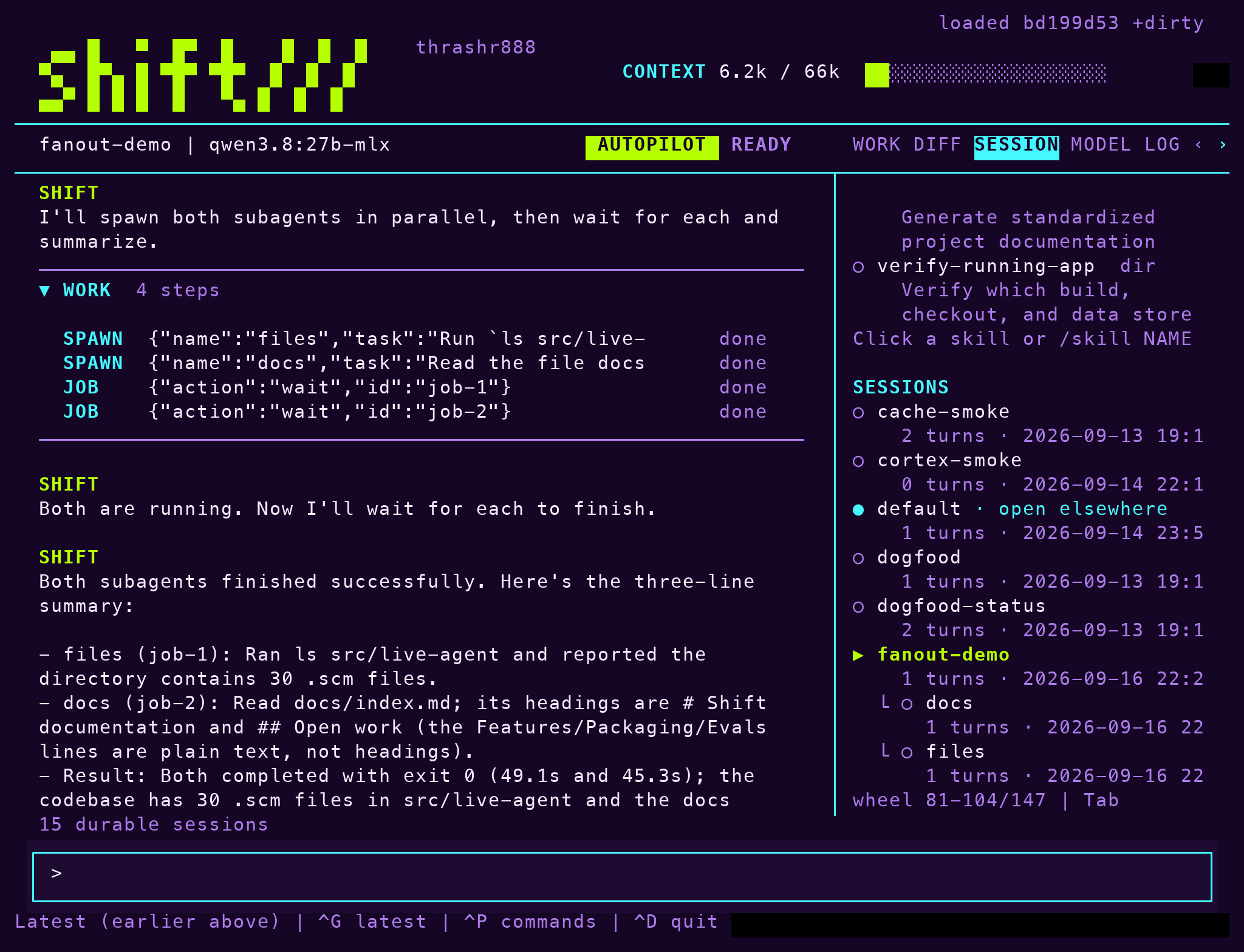
A session is a folder. Its receipt lists what changed, what ran and with which exit code, and how to undo the turn.
Subagents keep their own folders under the parent, as in the session list here, and a search reaches any earlier session.
Change it while it runs.
The agent is a Scheme file. Edit it inside the session and the next turn runs the new behavior. Each accepted edit is a numbered generation, and one command returns to the previous one. The session keeps its context and its receipts.
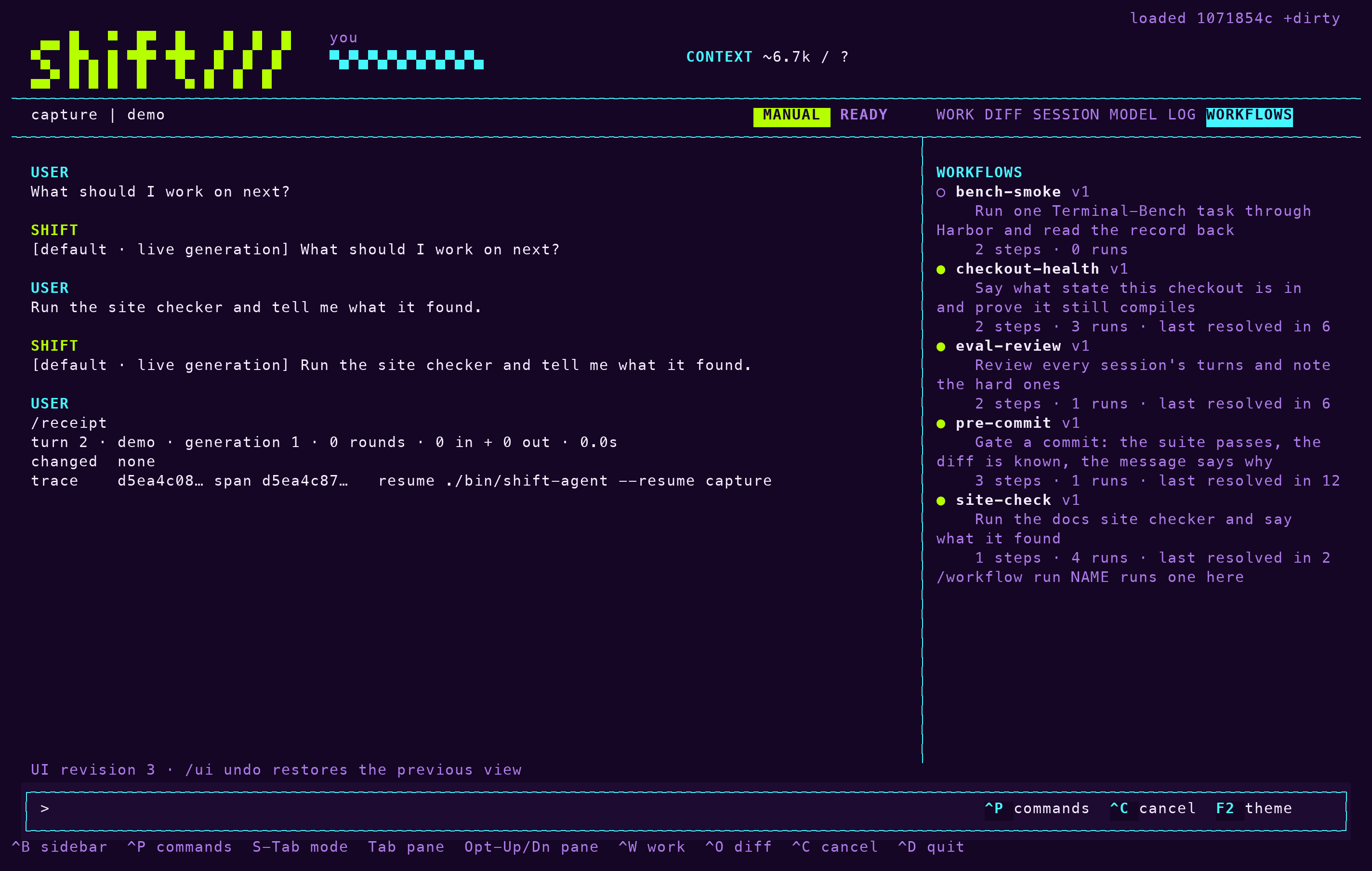
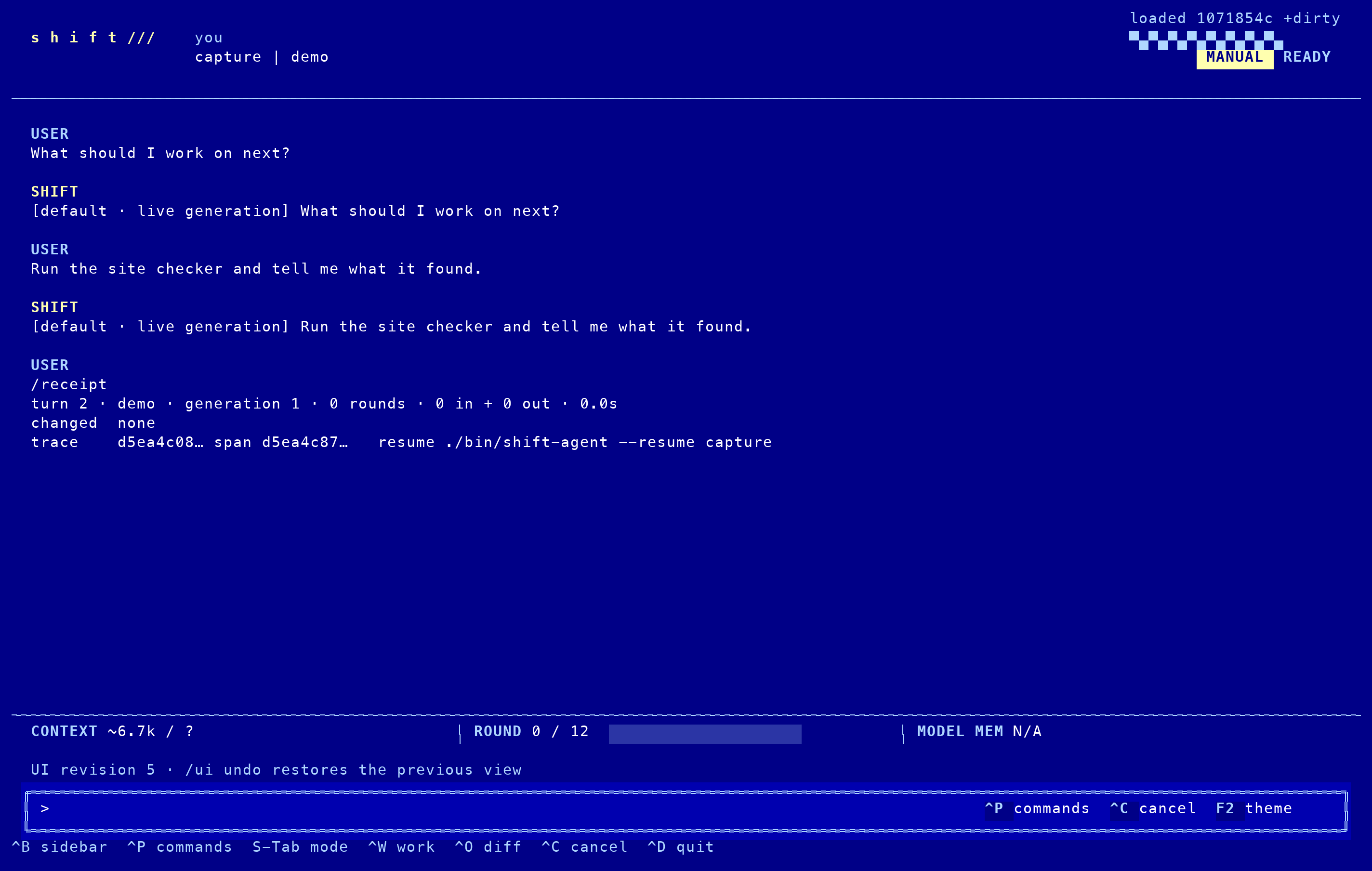
You can change the terminal the same way. Four themes ship, each also a Ghostty theme, and the layout, the panes and the wordmark are files you edit.
 acid
acid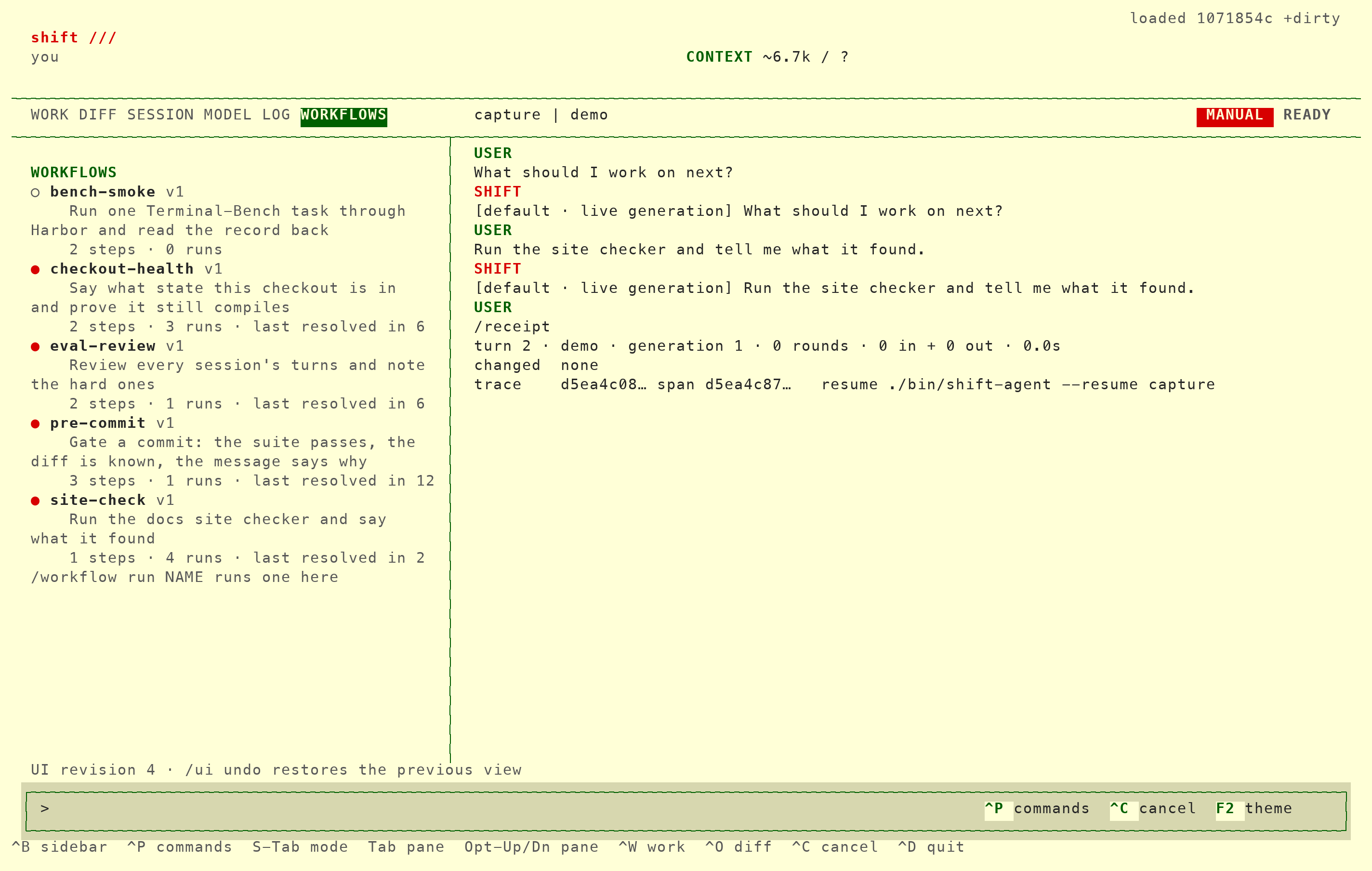 paddock
 blueprint
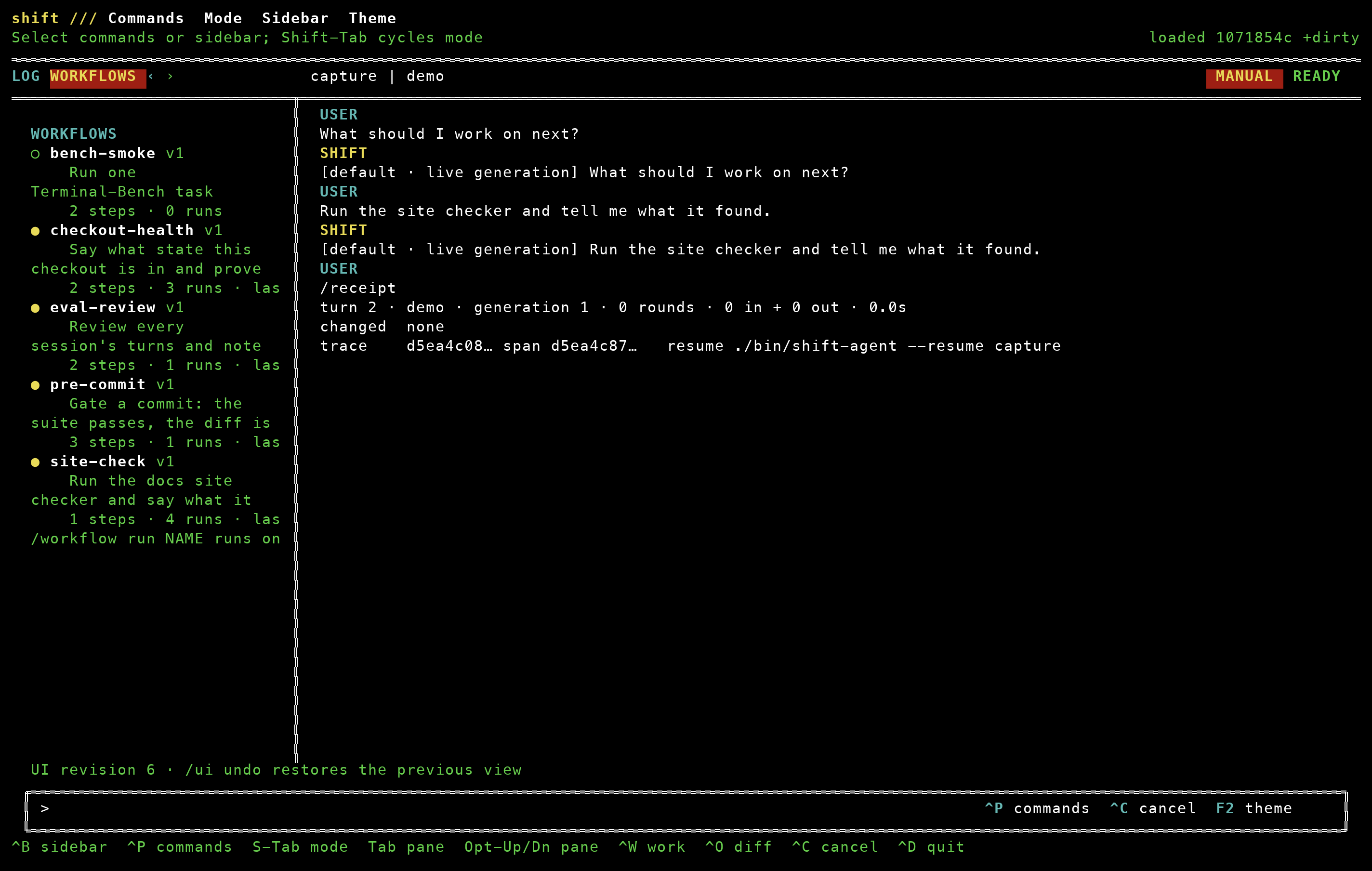 qdos
qdos
Benchmarks.
The evals run from the repository, and each result is committed with its date. These results cover the listed tasks, models and dates, the misses included.
Every run, with its caveats
| benchmark | result | model | date | note |
|---|
| SWE-bench Verified, 25-task slice | 16 of 25 | Sonnet 5 | 2026-09-09 | official harness; 17 after two harness fixes |
| The nine easiest of those 25 | 7 of 9 | Sonnet 5 | 2026-09-08 | the first graded batch, counted in the row above |
| The seven the slice missed, rerun | 3 of 7 | qwen3.8:27b-mlx | 2026-09-17 | a local model; a harness check, not a comparable score |
| Terminal-Bench probe, one task | 0 of 1 | Sonnet 5 | 2026-09-21 | through Harbor; the file the verifier tests was never written |
| DeepSWE probe, two tasks | 0 of 2 | Sonnet 5 | 2026-09-21 | one could not be graded: the task image's Go toolchain is empty |
Policy you can read.
Three modes: manual, plan and autopilot. A list of commands allowed to run, kept per project. A fixed set of rules refuses the destructive cases before any model is asked. For the rest, autopilot asks a judge model, and its confidence goes in the receipt.
Modes and policy, in full
mode        plan                     manual · plan · autopilot
allow-run   make test, rg, git status prefix match, project or user
refused     rm -rf outside the project, force push, git reset --hard, curl | sh
judge       typed claim → allow 0.98  logged with the turn; a block tells the model the rule
Workflows that improve themselves.
A workflow runs its steps in order and stops when a check fails. To change one, Shift runs the current file and a candidate side by side and keeps the candidate only if it resolves in no more rounds. Between runs, a refused tool call becomes a note that later sessions read first, and a hard turn can propose a skill, which stays off until you turn it on.
How workflows work
/workflow improve site-check
  proposed   reword the step to state the verdict outright
  baseline   resolved in 2 rounds · judge 0.97
  candidate  resolved in 2 rounds · judge 0.96
kept → .shift/workflows/site-check/versions/

note   the judge check failed a correct answer at 0.40 until the claim named its fields
recorded September 22, 2026
Drive it from another agent.
Every session serves MCP over HTTP on your machine, from the same process as the terminal. Codex, Claude Desktop and any client that speaks the protocol attach to the URL and get four tools: status, prompt, inspect, cancel. The session's policy still decides, and approvals stay in the terminal.
Attach a desktop agent
http://127.0.0.1:7331/mcp          the session you have open, no daemon

.codex/config.toml
[mcp_servers.shift]
url = "http://127.0.0.1:7331/mcp"

claude_desktop_config.json
{ "mcpServers": { "shift": { "command": "npx", "args": ["-y", "mcp-remote", "http://127.0.0.1:7331/mcp"] } } }

shift_status   pid, project, session, generation, turn
shift_prompt   a turn in the current mode; a busy session says so
shift_inspect  /show, /settings, /receipt, /traces, read only
shift_cancel   stop the turn, keep its checkpoint
Make it yours.
Every theme is also a Ghostty theme, generated from the same file the terminal loads. A project can add its own inspector tab as data. Save your wordmark, layout and display name, and later sessions open with them.
The pane pack reference
Acid Garage
Deep purple, lime cursor, cyan selection.
shift-acidPaddock
Paper, racing-red cursor, dark green.
shift-paddockBlueprint
Cobalt, pale yellow cursor, sky-blue detail.
shift-blueprintQDOS
Black, yellow cursor, yellow on red.
shift-qdos
In Ghostty
Save a theme into the themes folder, name it in the config, reload.
mkdir -p ~/.config/ghostty/themes
curl -fsSL -o ~/.config/ghostty/themes/shift-acid \
  https://thrashr888.github.io/shift/ghostty/shift-acid
printf 'theme = shift-acid\n' >> ~/.config/ghostty/config
In the terminal
A pane pack gives a project its own tab, read as data and never evaluated. The rest are commands that persist with /ui save.
((pane "shift" "SHIFT"
   (command "git" "status" "--short")
   (command "make" "test")))

/theme paddock · /name you · /brand replace · /place right · /ui save user
Start local.
Runs on your machine with your keys, or with Ollama. Sessions live in a folder you own. The demo model runs the interface without a provider or a network.
Install and first session · The terminal
$ brew install thrashr888/tap/shift
$ shift-agent                                # this project's session, resumed
$ shift-agent --set 'agent-model="demo"'     # the interface, no model