Docs > Use
Receipts and sessions
This page describes the receipt Shift prints after every turn, how to undo a turn, and how named sessions keep a conversation and its records across restarts. It also covers what a session folder holds and how to search the traces of every session in a project.
Read the receipt
Every turn ends with a receipt. It lists the model and generation, the tool rounds and tokens, the files the turn changed with their diffstats, the commands it ran, whether the turn can be undone, and the trace and resume identifiers:
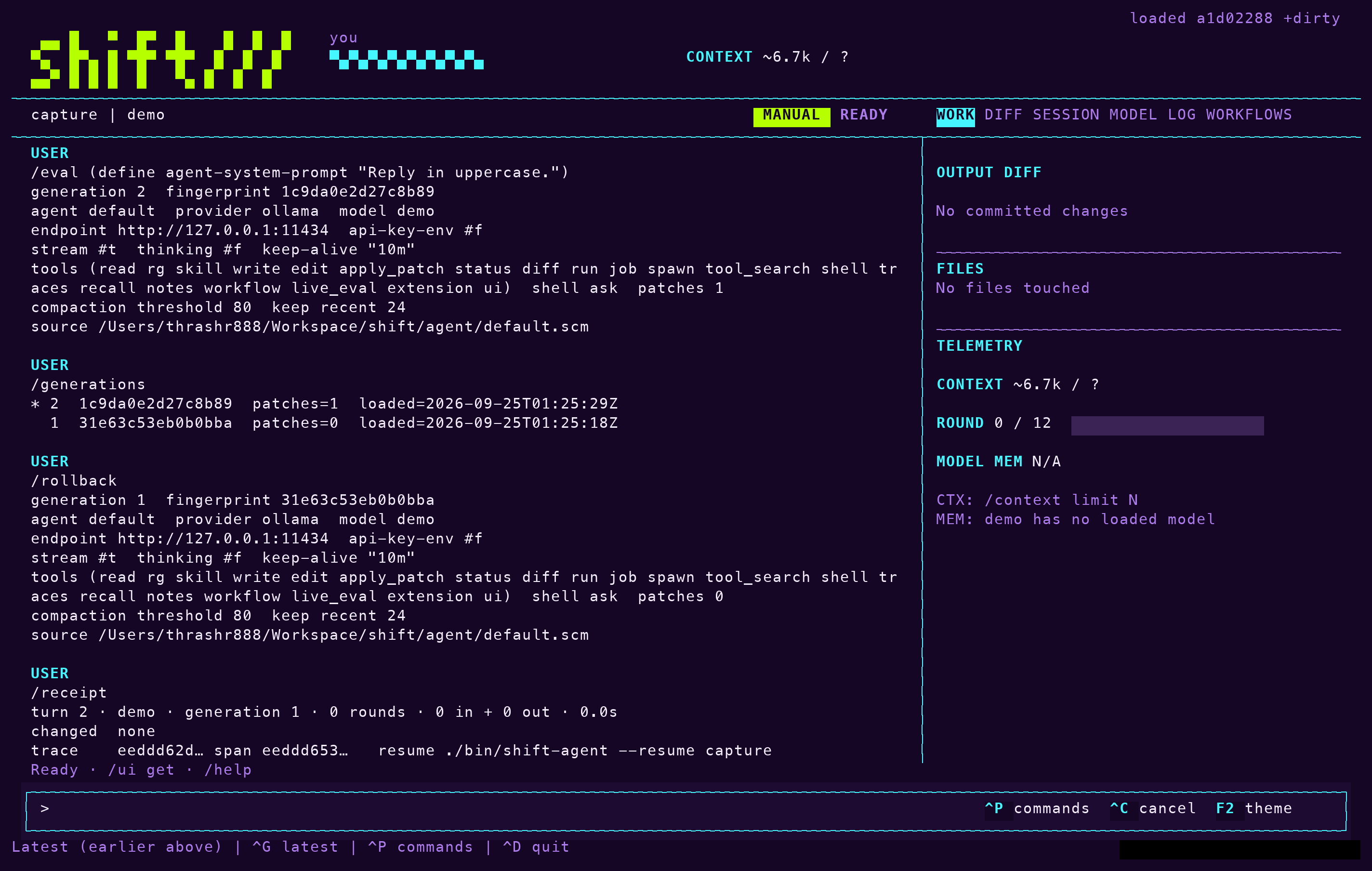
turn 3 · claude-sonnet-5 · generation 1 · 4 rounds · 2,445 in (1,900 cached) + 611 out · 6.1s
      changed  src/app.rs (+14 −3)  tests/app.rs (+22 −0) new
      ran      cargo test -- session  exit 0  4.8s
      undo     available (/undo)
      trace    3f9a1b2c… span 8c21aa00…   resume ./bin/shift-agent --resume dogfood
The files and diffstats come from the session's change record, the ran lines from its run records, and the tokens and rounds from the turn's provider usage. A failed or cancelled turn gets a status line with the reason and still lists whatever committed before the interruption. The same record is appended as JSON to the session's receipts.jsonl and attached to the agent.turn span as receipt.* attributes, so /traces shows it too. The JSON shape is in the coding workflow RFC.
To reprint the last receipt, enter /receipt. In a resumed session it comes from receipts.jsonl. The show-work setting, toggled with /work off and /work on, hides the receipt text and the tool echo; receipts are still recorded either way.
Undo a turn
To revert the most recent turn that still has file changes, enter /undo. Every file that turn touched must still match its recorded post-image. Otherwise the command refuses and names the diverged files; there is no force flag. Files the turn created are removed and files it deleted come back. Repeating /undo walks back one turn at a time, and a system message tells the model what was reverted. /undo never touches git.
After a crash or a cancellation in the middle of a file change, /recover lists the in-flight files with their recorded and current hashes. /recover restore puts back any file that carries the interrupted post-image and leaves untouched files alone.
Work in a named session
An interactive launch resumes or creates the project's default session. Use a named session when the conversation and live behavior should survive a process restart:
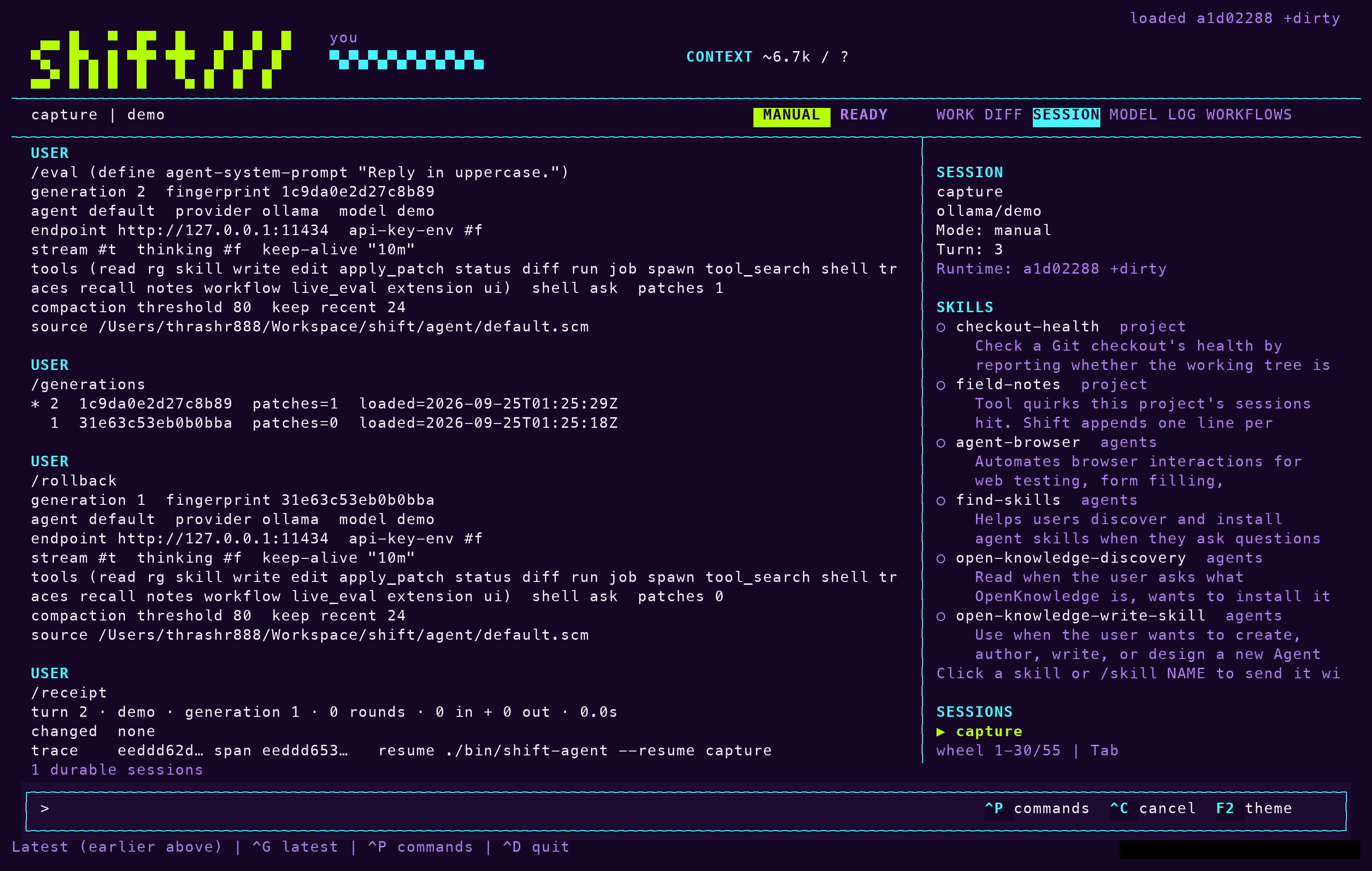
./bin/shift-agent --session dogfood       # resume if present, otherwise create
      ./bin/shift-agent --session recipes "Continue our Lisp cookie recipe."
      ./bin/shift-agent --new-session spike-2   # fail if the name already exists
      ./bin/shift-agent --resume dogfood        # fail if it does not exist
      ./bin/shift-agent --list-sessions
      ./bin/shift-agent session-fork dogfood experiment
Piped input stays ephemeral unless you name a session. When the process closes, Shift prints the provider-reported token totals for the run, the session's stable ID and a copyable resume command. An advisory owner lock prevents two processes from opening the same named session at once; different names run concurrently. session-fork copies a fixed checkpoint into a distinct child identity while preserving its generation fingerprint and tool ceiling.
To see the current identity and checkpoint, enter /session. To clear the persisted conversation while keeping live behavior, enter /reset.
What a session stores
Each session is a folder at .shift/sessions/NAME/ in the project. The checkpoint is rewritten atomically after each successful turn and interactive mutation; resume rebuilds a fresh module from the current agent source plus the validated patches and never deserializes a live object, so traces before and after a restart share session.id and session.name.
| Entry | Contents |
|---|---|
session.json | The checkpoint: provider message history, next turn number, active live-patch source, generation number and the stable session ID. Bounded at 8 MiB and 2,000 messages. |
receipts.jsonl | One JSON record per turn, the same data as the printed receipt. |
changes.jsonl and blobs/ | The change record: the last hash seen for every path read, edited or written, with pre- and post-images of each mutation. |
runs/ | The full log of every command, including job-N.log for background jobs. |
notes/ | Files the model writes with the notes tool. They never go in the project. |
compactions/N.json | What each compaction replaced: the prefix and its summary. |
judge.jsonl | Every judge decision with the evidence it saw. See Modes and policy. |
traces.jsonl | The session's spans. |
agents/ | Child sessions. See Subagents. |
Note: Large artifacts belong in files, with references in the conversation, rather than in the checkpoint.
Compact a long conversation
Before each request in a tool loop, Shift checks the model's budget; when the next request would pass 80% of input plus output, it compacts the earlier complete turns and keeps the current turn and its tool chain. Message count is the fallback: after 80 provider messages, it keeps at least 24 recent ones behind a summary. The settings agent-compaction-threshold and agent-compaction-keep-recent change those values. /compact runs the same operation on demand. Compaction is notes-first: before the window resets, Shift asks the model to save progress, decisions, unresolved work and exact paths with the notes tool, then replaces the earlier context with a pointer to those files. If the model writes no note, the summary compaction runs instead. A failed or cancelled summary leaves the original checkpoint intact.
Search across sessions
Compacted turns remain searchable. /traces QUERY searches the completed spans of the current session, and /trace SPAN_ID fetches the full stored span behind a hit. To search the traces of every session in the project, child sessions included, enter:
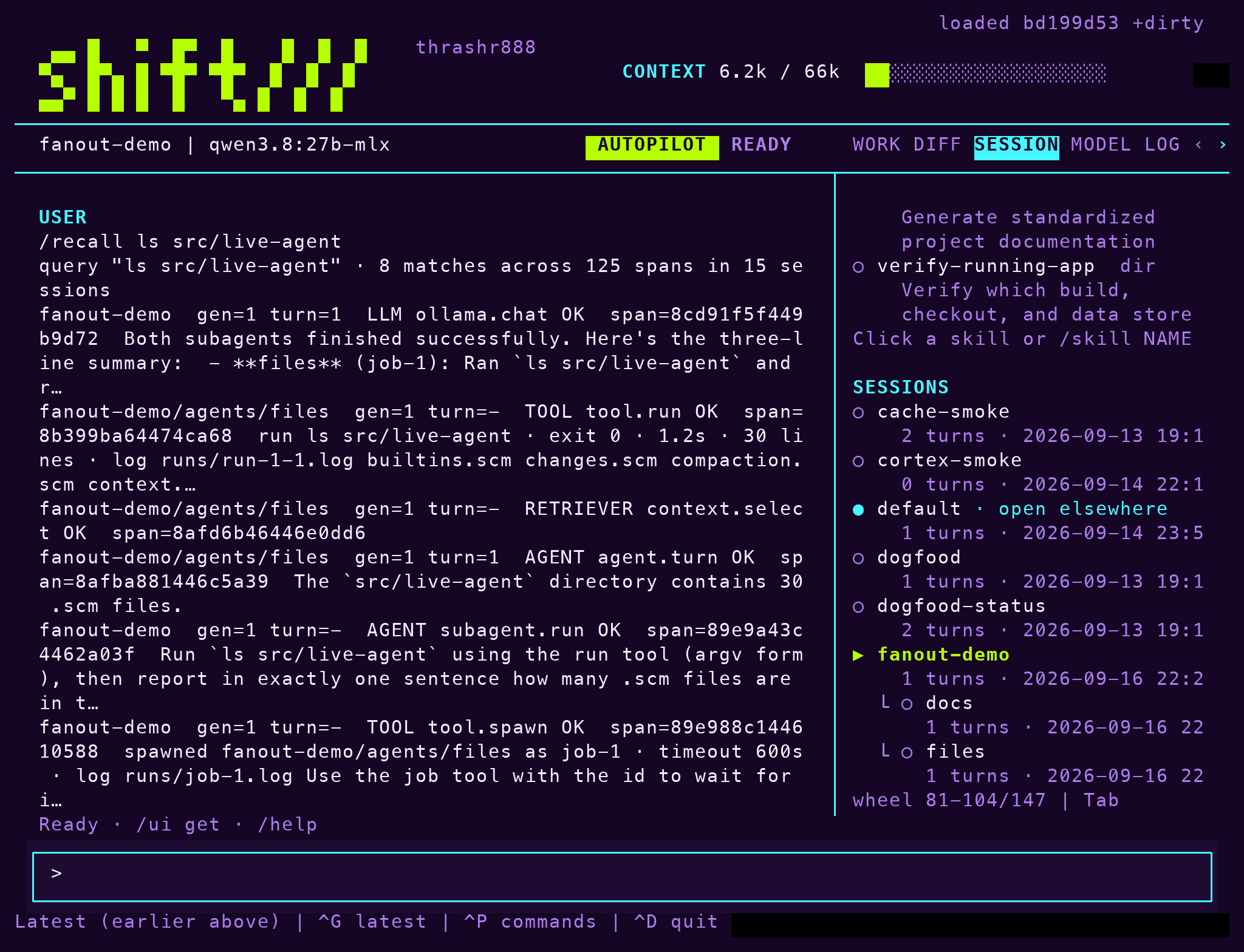
/recall QUERYThe match is literal and case-insensitive over the stored span JSON, newest first, bounded by limit. Each hit names its session, so traces with the span_id inside that session, or resuming it, gets the full detail. The session filter restricts the search to one session or its subtree; name, kind, status and errors_only filter as they do for traces. The model has the same search as the read-only recall tool, which plan mode allows.