Docs > Use
Skills and notes
This page describes skills, the instruction files Shift reads from a project and your config, and notes, the files a session keeps for itself. It covers where skills live, how the model and you load one, how a session turns work into a skill, and the three things Shift writes on its own after a turn.
What a skill is
A skill is a folder with a SKILL.md in the Agent Skills format: YAML frontmatter with name (1 to 64 lowercase letters, digits or hyphens, equal to the folder name) and a one-line description of at most 1024 characters, then Markdown instructions of at most 32 KiB. Supporting files sit beside it. Nothing in a skill is evaluated, and loading one never grants authority: the skill tool is read-only, so plan mode allows it and manual mode asks as it does for any read.
One optional frontmatter field matters. disable-model-invocation: true keeps a skill out of the model's index, so only you can load it.
Where skills come from
Shift reads skills from these sources. A project skill shadows a user skill of the same name.
| Source | Location |
|---|---|
| Project | .shift/skills/, .agents/skills/ and .cortex/skills/. The last holds flat NAME.md files, which count as skills too. |
| User | ~/.config/shift/skills/ and ~/.agents/skills/. |
| Setting | Any folder listed in the skill-dirs setting. |
Skill folders may sit directly in a source or one level down in category folders. Skills that other agents installed in .agents/skills work unchanged.
Load a skill
The model sees a <skills> index of names and descriptions in its system message. It loads a body with the skill tool, which returns the instructions and the folder; skill with a path returns one supporting file, and read accepts paths under a valid skill folder, so references/ and scripts/ are reachable without widening the project boundary.
To load a skill yourself:
- Enter
/skillsto list every skill with its source, validity and loaded state. - Enter
/skill NAME. Tab completes the name. - Type your prompt. The skill goes with it, wrapped in a
<skill name="…">block that stays in history.
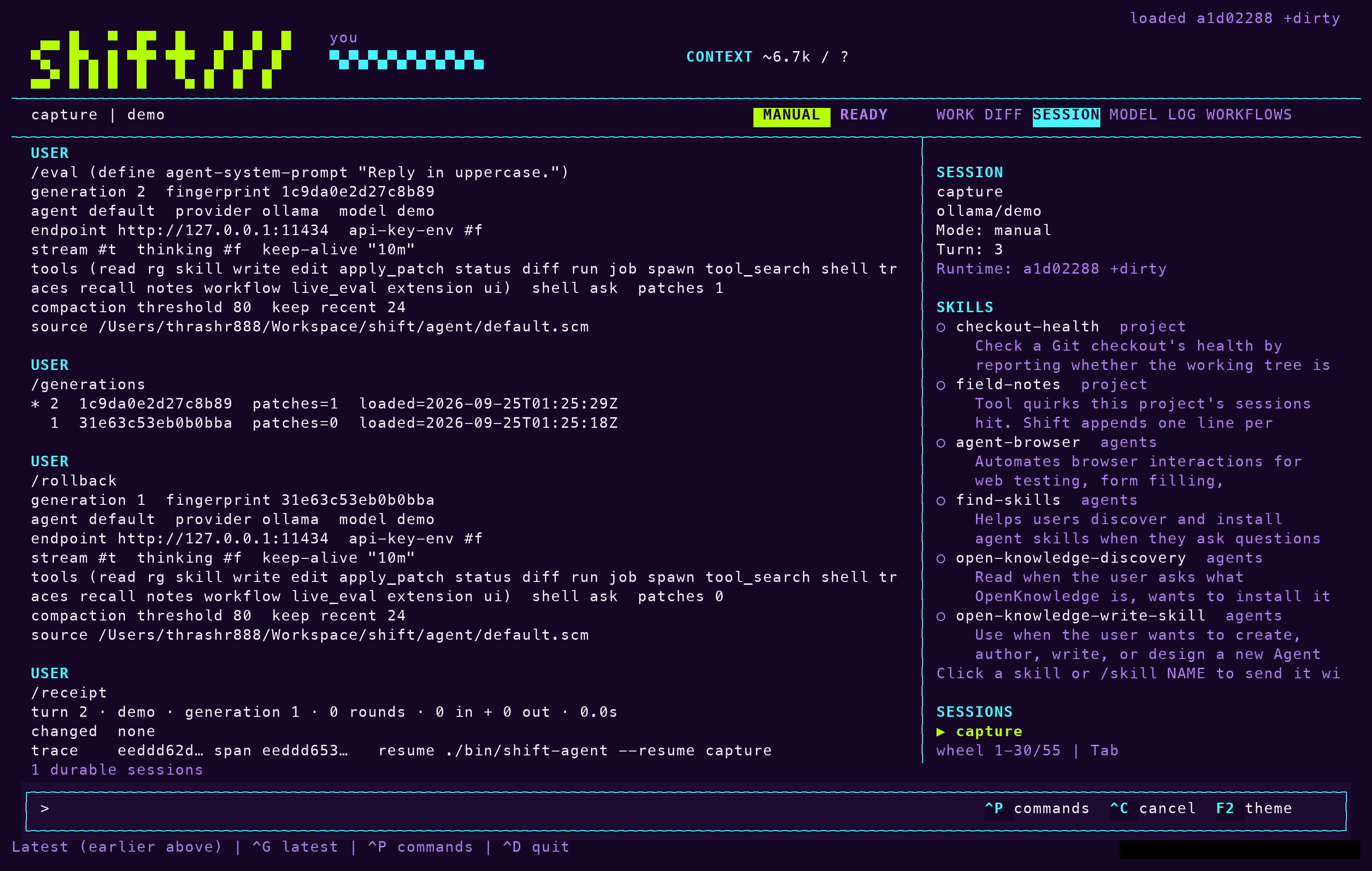
The Session tab's SKILLS section shows the same list with a dot for loaded skills; clicking an unloaded row runs /skill NAME. The receipt records the skills loaded in the turn.
Turn work into a skill
To ask the model to write the procedure it carried out as a skill, enter /learn NAME, with notes after the name if you want to steer it. The model writes .shift/skills/NAME/SKILL.md through the normal write path and its approval, so a session that worked out a procedure leaves a committable skill behind and the next turn's index picks it up.
Keep notes
The notes tool writes files under the session's notes/ folder, never in the project. Shift uses it before compaction: when the context window is about to reset, it asks the model to save progress, decisions, unresolved work and exact paths as notes, then replaces the earlier context with a pointer to those files. The pointer also reminds the model that traces and recall reach earlier turns. See Receipts and sessions.
What Shift writes on its own
Three things run beside your turns and make later sessions better without your asking.
- After every turn, each refused tool call becomes one line in
.shift/skills/field-notes/SKILL.md. Every turn's system prompt carries this skill, so theskilltool never offers it, and a quirk hit once, such as an argv shape or a path rule, is known in the next session. Edit or delete lines as you like. - A hard turn, one that ended at a limit, repeated the same call twice over, or took three refusals, gets one reflection exchange. It may propose a line for that file or a new skill. A proposed skill is written disabled, with
disable-model-invocation: true, and nothing is ever overwritten. - A good turn, one that ended clean with eight or more tool calls, or a workflow run that resolved, gets one distillation exchange that may write the procedure as a disabled skill.
Enter /skills to see proposed skills and enable the ones you want. Each of the three has a setting that turns it off:
| Setting | Turns off |
|---|---|
field-notes false | The line per refused tool call. |
reflection false | The exchange after a hard turn. |
distillation false | The exchange after a good turn. |
Note: Workflows improve by a different route. /workflow improve NAME proposes one change and keeps it only when it resolves in no more rounds. See Workflows.